
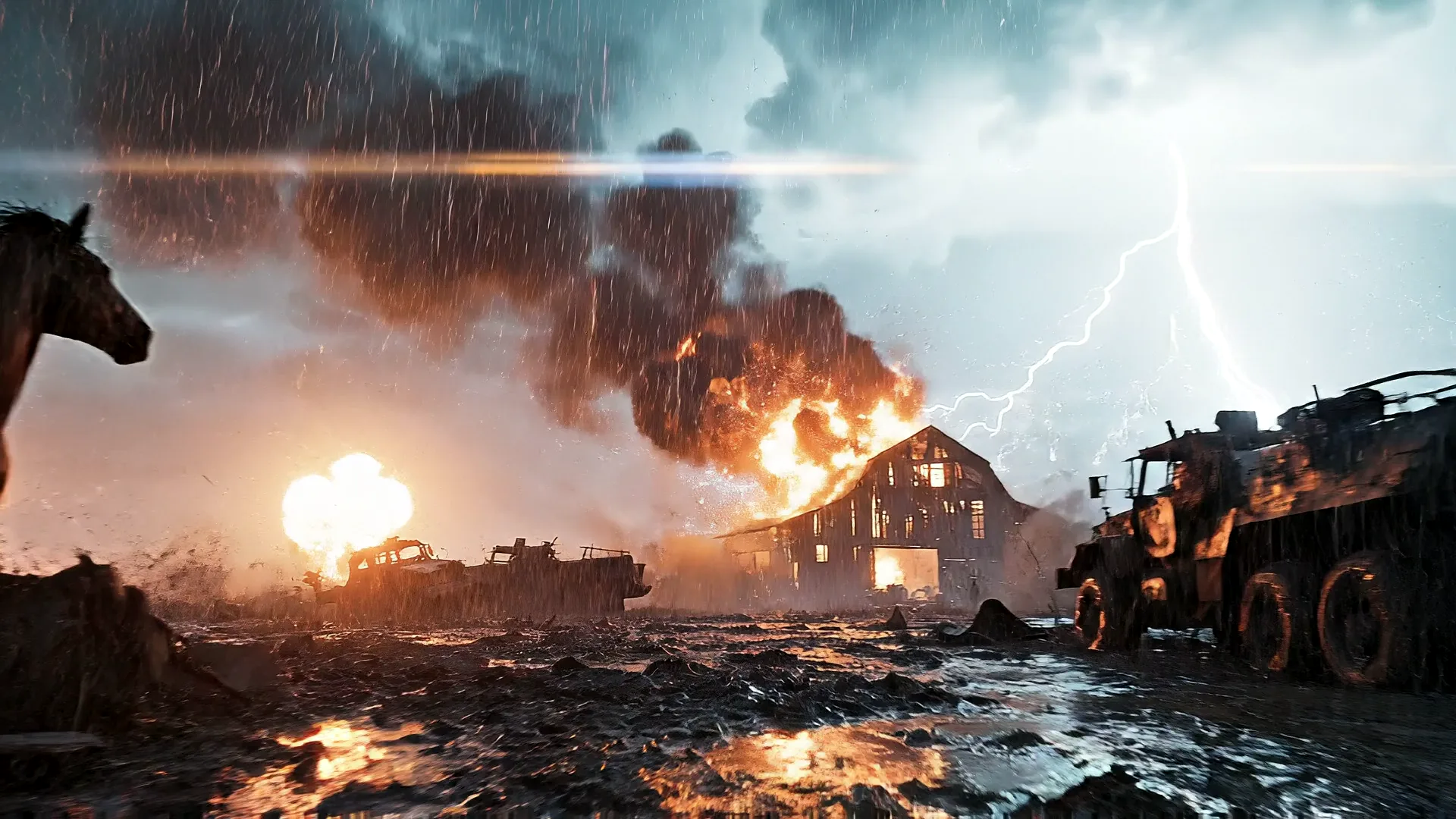
Your device. Your way!
Play free in your browser, stream it at Ultra from a top GPU, or install the Download Edition. Same game, same account, same progress.
Browser: free
No download. Runs on your own computer, phone or tablet, so the quality depends on your device. No input lag.
Cloud: Ultra anywhere
Ultra graphics streamed from a top GPU to any device, even a Chromebook or an older phone. Needs about 15 Mbps; adds about 100 ms of delay. Pay as you go, or hours included with the Bro Network Pass.
Download Edition
BattleBro as its own app on Windows and Mac: full screen, its own window, updates itself. Included with the Bro Network Pass.
Best browser experience: 2-minute setup
- Use a current Chrome or Edge. Safari and Firefox work, but Chrome and Edge get the most out of your graphics card.
- Turn hardware acceleration on. Chrome: Settings, System, "Use graphics acceleration when available", then relaunch. Edge: Settings, System and performance, same switch.
- Laptop on battery? Plug in, and in Windows graphics settings set your browser to "High performance" so it uses the real GPU, not the power-saving one.
- Close heavy tabs (video calls, other games) and keep the game tab in front.
- Controllers: Xbox and PlayStation pads work: plug in or pair, then press any button on the menu. On phones, touch controls appear automatically.
- Graphics settings: Auto picks the right quality for you. Strong PCs get Ultra; you can change it any time in Settings.
Device check
- Checking your device…
Cloud play
- Pick Cloud when you press Play. Sign in, and the game starts on a top GPU in our cloud and streams to you.
- You need about 15 Mbps or better. Wired or strong Wi-Fi is best; expect about 100 ms of added delay.
- The first seconds can look a little soft while the stream finds your best quality; it sharpens by itself.
- Cloud time is pay as you go, or included hours with the Bro Network Pass.
Download Edition
BattleBro as its own app: full screen, no browser bars, and it updates itself every time we ship.
Requirements
- Windows 10 or 11 (64-bit) or macOS 12+ (Apple silicon or Intel).
- Graphics: any GPU from the last 6 years; RTX 3060 / RX 6600 class or better for Ultra.
- Memory: 8 GB (16 GB for Ultra). Disk: about 2 GB.
- Internet for sign-in, online squads and updates.
How it works
- Get the Bro Network Pass (the Download Edition is included).
- Sign in here with the same e-mail. Your download button appears on your account page.
- Install, sign in once, and play. Your progress is the same as in the browser.
Licence: one account, up to 3 devices (reset every 30 days). It keeps working while your Pass is active.